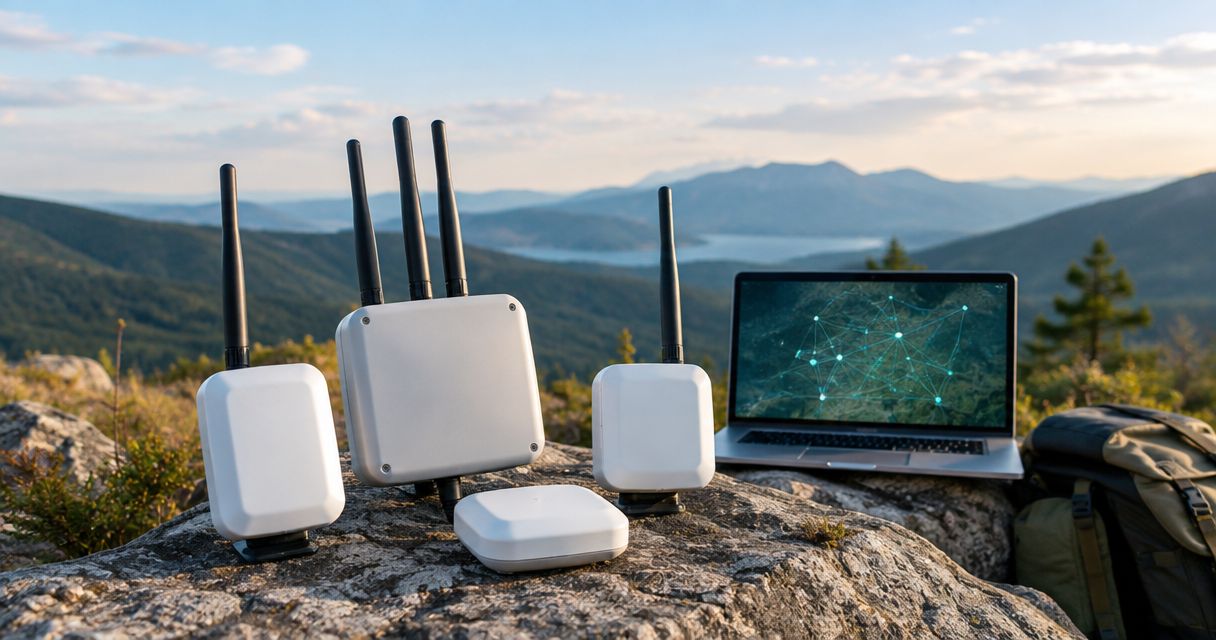
Best overall: RAKwireless WisBlock Meshtastic Starter Kit. Best for a handheld build: LILYGO T-Beam. Best for a bench prototype: Heltec WiFi LoRa 32 V3. RAKwireless WisBlock Meshtastic Starter Kit is the best LoRa mesh network kit for a first field build because its modular format lets you choose the enclosure and power setup; none of these picks replaces an LTE or satellite backup link.
- Best LoRa mesh network kit overall: RAKwireless WisBlock Meshtastic Starter Kit for a modular field build.
- LILYGO T-Beam suits a handheld build; Heltec WiFi LoRa 32 V3 suits a bench prototype.
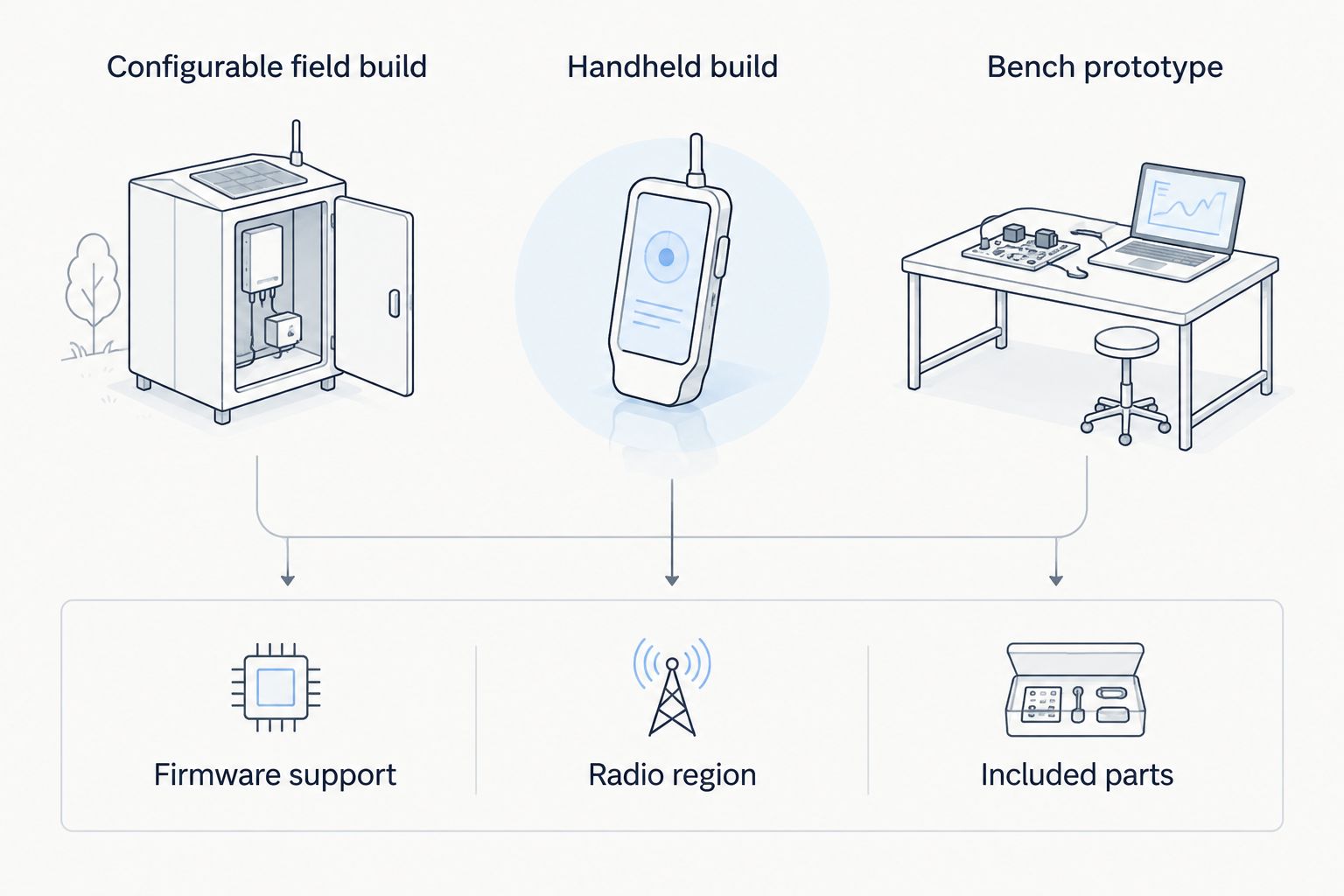
- Confirm the radio region, firmware support and included parts before buying any LoRa mesh kit.
- HeliosNet mesh infrastructure is a separate option when your backup plan also needs LTE or satellite connectivity.
Why this matters
A LoRa mesh network can relay short messages between compatible nodes without using the cellular network. That makes it useful when you need local coordination beyond the reach of a single radio link. It does not make a LoRa node an internet connection, a voice radio or a replacement for an emergency communications plan.
The best LoRa mesh network kit in 2026 depends on what you intend to assemble. A board on a workbench, a device carried outside and a network left in place have different enclosure, antenna and power needs. For a wider backup-connectivity plan, HeliosNet develops mesh, LTE and satellite communication infrastructure; its stated product description does not establish that DeadZone Wireless hardware is a LoRa kit. Keep that distinction clear when comparing equipment.
What makes the best LoRa mesh network kit
Use these criteria before you compare boards. A listing that says LoRa does not, by itself, tell you whether the device supports your intended mesh firmware or arrives ready for field use.
- Firmware support: Check that the exact hardware revision supports the mesh software you plan to use. Meshtastic compatibility is not established by the presence of a LoRa radio alone.
- Radio region: Match the device and its configuration to the region where you will operate it. In the United States, the relevant unlicensed band is 902–928 MHz; a listing for another region is not an interchangeable choice.
- Included parts: Identify whether the package contains an antenna, battery, enclosure and cables. A development board and a field-ready kit solve different problems.
- Power setup: Decide how the node will be powered before selecting a board or enclosure. A portable node and a fixed relay impose different practical requirements.
- Physical protection: Consider the actual installation site. An exposed board belongs on a bench, not outdoors without appropriate protection.
- Network fit: Decide whether you need local text exchange, a fixed relay or connectivity beyond the LoRa mesh. LTE and satellite serve a different role from local LoRa links.
These criteria put the RAKwireless kit first for a configurable build, not because every buyer needs the same configuration. They also explain why the Heltec board remains a prototype pick rather than a ready-to-deploy kit.
LoRa mesh kits at a glance
| Item | Best for | Standout feature | Key limitation |
|---|---|---|---|
| RAKwireless WisBlock Meshtastic Starter Kit | Configurable field build | Modular hardware approach | You must verify the included parts and finish the build |
| LILYGO T-Beam | Handheld build | Integrated development-board format | Variant and enclosure details need checking |
| Heltec WiFi LoRa 32 V3 | Bench prototype | Compact board for firmware work | A board alone is not a protected field kit |
All three options require a check of the exact revision and radio region before you order. The table describes their roles, not a claim that every seller ships the same components or firmware.
Check the package, not just the product name
A kit name can describe a board family rather than a fixed set of components. Before committing to a build, read the current seller listing and identify the exact board, radio variant, antenna connection and items in the box. If a battery or enclosure is absent, account for the additional assembly work rather than treating the listing as a complete field device.
Also separate the radio band from nearby connectivity features. A product description that mentions 2.4 GHz Wi-Fi does not mean its LoRa radio uses that band, and Wi-Fi support does not establish that the unit can route internet access across your LoRa mesh. Check the LoRa specification for the actual variant.
Ranked picks
1. RAKwireless WisBlock Meshtastic Starter Kit: best for a configurable field build
The RAKwireless WisBlock Meshtastic Starter Kit is the default pick when you want to plan a node around its installation. Its modular format makes the surrounding choices visible: where the node sits, how it gets power and what protects it. Confirm the specific package before purchase, because a starter kit is not a promise that every field component is included.
RAKwireless WisBlock Meshtastic Starter Kit pros:
- Modular format suits a build with a defined installation plan.
- Meshtastic-focused naming gives you a clear firmware compatibility question to verify against the exact revision.
- The kit approach encourages you to account for power, antenna placement and enclosure choice before deployment.
RAKwireless WisBlock Meshtastic Starter Kit cons:
- You still need to check the contents of the seller's package; the kit name alone does not settle what is included.
- Modular assembly takes more planning than buying an already enclosed device.
- It is a local mesh option, not a substitute for cellular or satellite backhaul.
Best for: Someone building a LoRa mesh node for a specific site who can select the remaining parts to suit that site.
Verdict: Buy for a planned field build after confirming the radio region, firmware support and package contents. Hold if you need a device you can carry outside without assembly.
2. LILYGO T-Beam: best for a handheld build
LILYGO T-Beam is a development-board option for a compact LoRa node. It suits a buyer who wants to work with a single board format and can handle the enclosure, antenna and power decisions that turn a board into a usable handheld device. Check the exact T-Beam variant against your chosen firmware before treating a seller listing as Meshtastic-ready.
LILYGO T-Beam pros:
- Compact board format provides a starting point for a portable build.
- A visible board layout helps when you need access during setup and troubleshooting.
- It gives you a distinct path from a modular, site-specific installation.
LILYGO T-Beam cons:
- A bare board is not a protected handheld device.
- Variant names and seller bundles require close inspection; do not assume the same radio region or included accessories.
- Portability does not resolve the underlying limits of short-message LoRa communication.
Best for: A builder who wants a portable-node project and is comfortable checking compatibility and finishing the physical build.
Verdict: Buy for a hands-on handheld build. Skip if your requirement is a packaged, weather-protected device with no assembly work.
3. Heltec WiFi LoRa 32 V3: best for a bench prototype
Heltec WiFi LoRa 32 V3 is a development board, not a complete field kit. Choose it when your immediate job is to learn the setup, work with firmware or test how a node behaves before deciding on a deployment format. Its place on this list is deliberately narrow: a successful bench test does not solve outdoor power or enclosure design.
Heltec WiFi LoRa 32 V3 pros:
- Development-board format suits hands-on setup and experimentation.
- It lets you examine a candidate node before committing to a field installation.
- The named board revision gives you a specific model to check against firmware documentation.
Heltec WiFi LoRa 32 V3 cons:
- The board needs additional planning before it belongs in an exposed location.
- Wi-Fi in the product name does not mean LoRa messages provide internet connectivity.
- A prototype can prove a local setup without proving that your planned field placement will work.
Best for: Someone validating a LoRa mesh configuration at a workbench before choosing a portable or fixed-node build.
Verdict: Buy for prototyping. Skip as a standalone field kit.
How we ranked these options
The order follows the job each option can do, not a claim about measured range or battery life. RAKwireless WisBlock Meshtastic Starter Kit takes the default slot because a configurable build addresses the power and protection decisions a field node needs. LILYGO T-Beam moves ahead when the project is specifically handheld. Heltec WiFi LoRa 32 V3 stays on the shortlist for learning and testing, where an exposed development board is appropriate.
No stated kit contents, range figures or battery results were supplied for these listings. Treat any such claim as a specification to confirm for the exact hardware revision, antenna and installation, rather than as a ranking factor here. In 2026, the buying decision remains tied to your site and your task.
Which LoRa mesh network kit should you choose?
Choose RAKwireless WisBlock Meshtastic Starter Kit if you want one default starting point for a configurable field node. Choose LILYGO T-Beam if the build itself is a handheld project. Choose Heltec WiFi LoRa 32 V3 if you are testing a setup at the bench and have not decided how to house a deployed node.
There is a separate decision if your objective is resilient connectivity beyond local messages. HeliosNet mesh infrastructure is best considered for a wider backup-connectivity plan, because the stated scope includes mesh, LTE and satellite networks. That description does not establish LoRa compatibility or make DeadZone Wireless a direct replacement for any kit in the table. Define whether you need local coordination, external connectivity or both before comparing them.
For a 2026 purchase, make a short requirements list before opening a product listing:
- Where will each node operate: indoors, carried or fixed outdoors?
- Which exact firmware and hardware revision will you use?
- Does the LoRa radio match your operating region?
- Which antenna, power source and enclosure are actually included?
- Who needs to communicate if cellular service is unavailable?
- Does anyone also need an LTE or satellite path outside the mesh?
If the answer to the last question is yes, do not try to solve it by choosing a different LoRa development board. A local mesh and an external connection are different layers of the plan.
FAQ
What is the best LoRa mesh network kit in 2026?
RAKwireless WisBlock Meshtastic Starter Kit is the best default pick for a configurable field build. Check its exact radio region, firmware support and package contents before buying.
Is LILYGO T-Beam better than a RAKwireless WisBlock kit?
LILYGO T-Beam is the better fit for a hands-on handheld build; RAKwireless WisBlock Meshtastic Starter Kit is the better default for a configurable field node. Neither is a finished deployment until its power, antenna and protection needs are addressed.
Is Heltec WiFi LoRa 32 V3 a complete mesh kit?
No. Heltec WiFi LoRa 32 V3 is a development board and is best treated as a bench-prototype option, not a protected field device.
Does a LoRa mesh network need cellular service?
A local LoRa mesh does not need cellular service to exchange compatible short messages between its nodes. Access beyond that local mesh is a separate connectivity requirement.
Can a LoRa mesh kit replace satellite communication?
No. A LoRa mesh kit addresses local radio communication; satellite connectivity serves a different role when a connection beyond the local mesh is required.
Which LoRa frequency should I check for use in the United States?
Check that the device and its configuration match the intended operation in the United States' 902–928 MHz band. Verify the exact seller variant rather than relying on a shared product-family name.
Is DeadZone Wireless a LoRa mesh kit?
The supplied description identifies DeadZone Wireless as HeliosNet's hardware line but does not state that it supports LoRa. Do not treat it as a LoRa kit without an explicit specification for the product you are considering.
One last thing
The most consequential kit check is often the seller's exact variant, not the model name in a roundup. A suitable board with the wrong regional radio or missing build components still leaves you with the wrong purchase. In 2026, confirm those details before you plan antenna placement or a field test.


