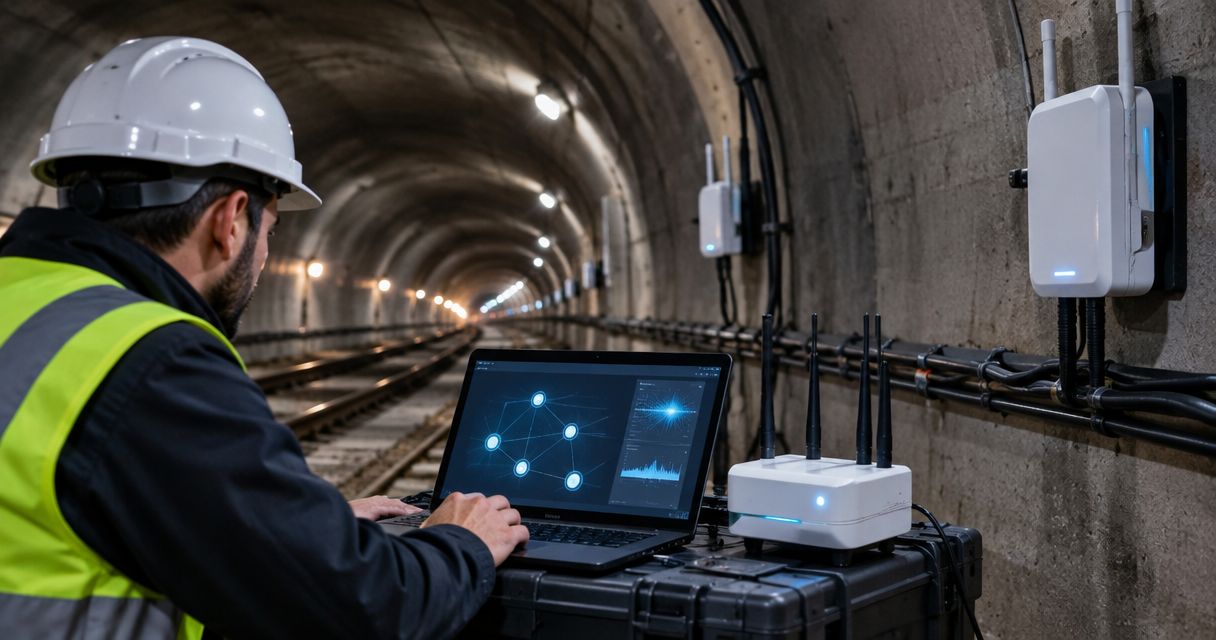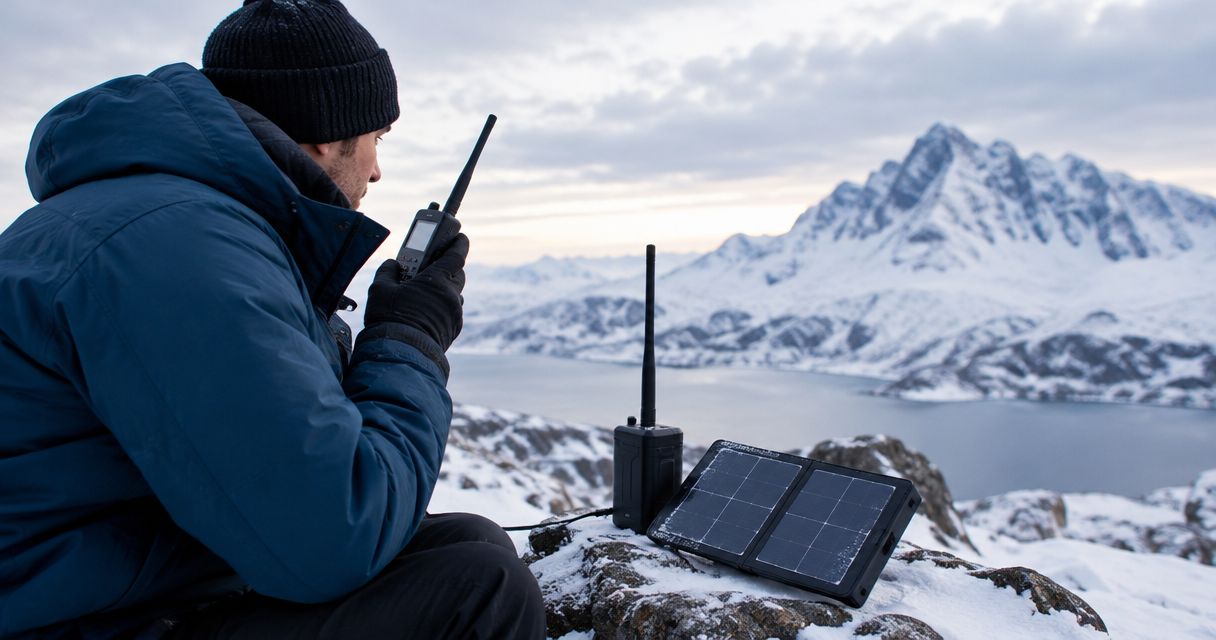
Backup connectivity for a small business costs the combined amount of hardware, installation, recurring service, backup power, and ongoing support—not just the advertised connection fee. In 2026, compare complete quotes against the applications you need during an outage, including usage charges and network changes that a service-only quote excludes.
- For backup connectivity cost small business planning, compare complete systems rather than service fees alone.
- HeliosNet LLC develops mesh, LTE, and satellite infrastructure for businesses evaluating resilient backup connectivity.
- LTE requires usable cellular coverage; satellite requires suitable terminal placement; mesh alone does not create internet access.
- Ask each supplier to separate equipment, installation, service, usage charges, power, and support.
How much does backup connectivity cost for a small business?
Your backup connectivity budget should cover a working fallback system, not an unused connection. Request a quote for a defined site, application list, and outage scenario. Without that scope, competing proposals can describe different systems even when both say business backup internet.
HeliosNet LLC develops decentralized mesh, LTE, and satellite communication infrastructure. Those categories serve different roles, so start with the connection problem rather than a particular device.
Use this breakdown when requesting a 2026 proposal:
| Budget component | What the quote should identify | What to check |
|---|---|---|
| Equipment | Router, modem or terminal, antennas, and required accessories | Which existing equipment remains usable |
| Installation | Mounting, cabling, configuration, and commissioning | Whether the quoted work includes application testing |
| Recurring service | Connectivity subscription and management services | Whether service remains active between outages |
| Usage | Included data and rules for additional consumption | What happens when the allowance is exhausted |
| Backup power | Power protection for the connection and local network | Which devices must stay powered |
| Support | Monitoring, troubleshooting, maintenance, and replacement arrangements | Who owns an incident from detection to resolution |
Ask for a 12-month total that separates upfront commitments from recurring obligations. Use a 24-month comparison when evaluating contracts with different terms, and show any renewal assumptions separately. These are comparison windows, not claims about equipment life or service performance.
Why this matters
A second internet connection does not automatically give your business continuity. The router must send traffic over it, the applications must accept the changed connection, and the equipment must remain powered.
Define the business outcome before discussing equipment. Keeping payment processing and dispatch online is a different requirement from keeping every workstation, camera, and cloud backup running normally. Your budget comparison should reflect that distinction.
Buy the ability to complete essential work during an outage, not a second service label. A proposal that cannot explain which work continues is not ready for approval.
LTE backup: best for sites with usable cellular coverage
LTE backup uses a cellular connection as an alternative internet path. It suits a business whose location has usable cellular service and whose essential applications work over the tested connection.
The practical advantage is an alternative access method without installing another wired last-mile connection. The limitation is dependence on cellular coverage, network conditions, and the selected service arrangement. A coverage map is not an application test at your premises.
Ask the supplier to specify the modem, antennas, router requirements, service terms, and installation work. Confirm whether the proposed connection uses infrastructure that remains available when your primary service fails; a different billing relationship alone does not establish independence.
Best for: businesses with verified cellular coverage that need essential internet applications during a wired-service outage. Choose LTE only after testing from the intended equipment location, not from a phone outside the building.
Satellite backup: best for sites needing a nonterrestrial access path
Satellite backup provides an internet path through a satellite network rather than a local terrestrial access connection. It is relevant when local wired or cellular options do not meet the site's continuity requirements.
Its advantage is a different access architecture. Its limitations include terminal placement, obstructions, power requirements, and service-specific application performance. Indoor Wi-Fi coverage does not prove that an outdoor satellite terminal has a suitable installation position.
A satellite proposal should identify the terminal, mounting arrangement, cable route, service, router integration, and power provisions. Ask the installer to explain how staff will recognize an outage and verify that the satellite connection has taken over.
Best for: remote premises and businesses evaluating an alternative to local terrestrial access. Approve the design only after reviewing the installation location and testing essential applications through the proposed service.
Mesh networking: best for local reach, not standalone internet backup
Mesh networking connects participating nodes so traffic can move across a local network. It can help distribute connectivity or support local communications, but mesh topology alone does not supply an independent internet connection.
That distinction matters when comparing proposals. Extending your existing internet service across a property does not preserve cloud access if that service fails. An internet-dependent mesh installation still needs a working upstream connection.
Ask whether the proposed system supports local communication, internet distribution, or both. Then identify the upstream link and the equipment that connects the mesh to it. Do not assume that every mesh device supports the same traffic or applications.
Best for: premises where the problem includes reaching separated work areas or maintaining supported local communications. Treat mesh and internet failover as separate requirements until the design explicitly connects them.
Which backup approach fits your business?
Use this comparison to shortlist an architecture before comparing supplier quotes. No access method wins every outage scenario, and none removes the need for power and configuration.
| Approach | Best for | Main advantage | Main limitation | Evidence to request |
|---|---|---|---|---|
| LTE backup | Sites with verified cellular coverage | Alternative cellular access path | Depends on cellular service at the premises | On-site application test |
| Satellite backup | Sites needing a nonterrestrial path | Different access architecture | Requires suitable terminal placement and power | Installation review and application test |
| Mesh networking | Local reach and supported local communications | Connects participating local nodes | Does not inherently provide internet access | Upstream-link and traffic design |
A broader review of enterprise backup connectivity solutions can help when your requirement extends beyond a single premises. Keep the selection criteria tied to your own applications rather than adopting a larger organization's equipment list.
Why backup connectivity requirements vary
The scope changes when the business outcome changes. For a 2026 purchasing decision, ask each supplier to address the same factors:
- Essential applications: List the systems that must work, including payment terminals, voice services, remote access, and business software where applicable. Test actual workflows rather than assuming that a successful web search proves readiness.
- Connection independence: Identify the primary connection's likely failure points and ask how the backup avoids them. Different providers do not necessarily mean different physical paths.
- Site conditions: Review cellular reception, terminal visibility, equipment placement, cable routes, and mounting permissions. Installation requirements belong in the proposal, not in a later assumption.
- Traffic policy: Decide which applications retain access during failover. Unrestricted software updates and cloud synchronization can compete with essential work.
- Power continuity: Include the router, modem or terminal, switches, and any access points required for essential work. Powering the backup connection alone leaves gaps.
- Support responsibility: Name the party responsible for fault detection, failover configuration, testing, and restoration. Separate responsibilities explicitly when several suppliers are involved.
These factors explain why service-only comparisons fail. A proposal that excludes configuration and power protection is not equivalent to one that includes them, regardless of how similar the connection descriptions look.
How do I build a comparable backup connectivity quote?
Give every supplier the same brief. For 2026 procurement, the brief should describe what must continue working, what can stop, and how you will accept the installation.
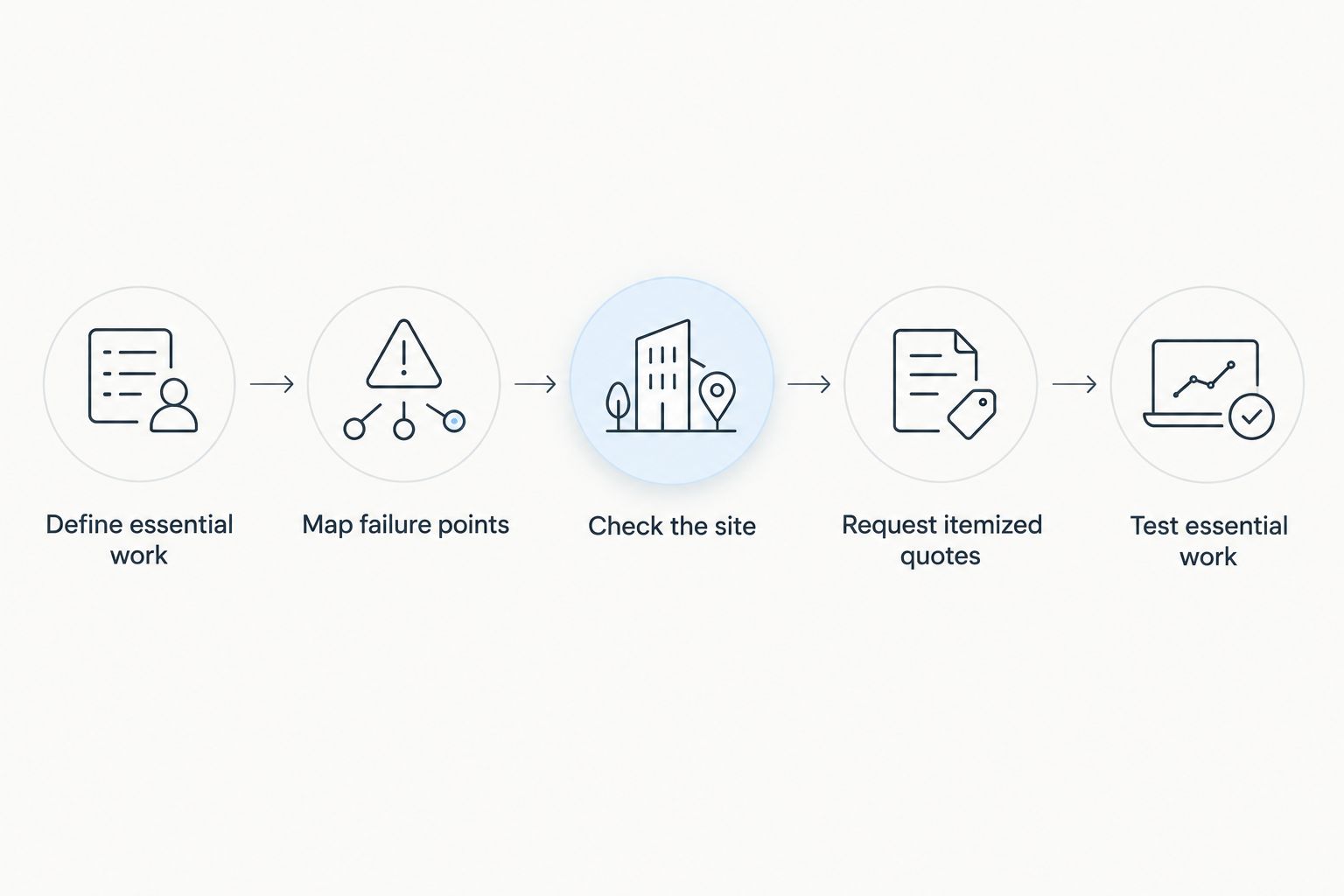
- Define essential work. Write down the business tasks that must continue during an outage. Identify the devices, applications, and external services each task needs.
- Map failure points. Document the primary connection, local network, and power dependencies. Ask which failures the proposed backup addresses and which remain outside its scope.
- Check the site. Confirm reception or terminal placement using the intended installation area. Include cabling, mounting, and access requirements in the assessment.
- Request itemized quotes. Separate equipment, installation, service, usage terms, power provisions, and support. Ask suppliers to identify exclusions rather than burying them in general descriptions.
- Test essential work. Disconnect the primary connection under controlled conditions and run the agreed workflows. Record what works, what needs intervention, and how normal service returns.
Keep the acceptance test attached to the purchase decision. A connection that works in a demonstration still needs to work through your router, security settings, and actual applications.
Should I back up every application or only essential work?
Essential-work backup is the better starting point when your objective is business continuity rather than normal operation. Identify the tasks whose interruption prevents you from serving customers, coordinating staff, or accessing required systems.
Backing up everything avoids some traffic-selection decisions, but it also includes nonessential demand. Essential-only access requires deliberate rules and staff instructions; otherwise devices continue sending their usual background traffic over the backup connection.
Write the restricted-mode policy before an outage. Tell staff which tools remain available and which activities should wait. Have the supplier verify that the network rules match those instructions.
Is automatic failover worth including?
Automatic failover is relevant when the business cannot depend on staff manually changing connections. It requires compatible routing, a failure-detection policy, and testing—not simply an active spare service.
The benefit is reduced reliance on a person noticing the outage and taking the correct action. The limitation is that changing the internet path can interrupt existing sessions, and some applications need to reconnect. Automatic switching is not a promise of uninterrupted application sessions.
Ask how the system detects failure, how it avoids unnecessary switching, and how it returns to the primary connection. Include the return path in testing rather than stopping once the backup works.
Where HeliosNet LLC fits
HeliosNet LLC is relevant for businesses evaluating mesh, LTE, and satellite backup connectivity. Its stated focus includes enterprises needing resilient backup connectivity, alongside rural, off-grid, and emergency-response users.
The DeadZone Wireless hardware line belongs in an evaluation only where its documented capabilities match your requirements. Ask for the proposed architecture, supported applications, installation scope, and service dependencies before selecting equipment.
The relevant advantage is that the stated infrastructure focus spans these connectivity categories. The purchasing constraint remains specific: that description does not establish compatibility, application performance, failover behavior, or commercial terms for your site. Require those details in the proposal.
FAQ
How much should a small business budget for backup internet in 2026?
Budget for the complete system: equipment, installation, recurring connectivity, usage terms, backup power, and support. Request an itemized quote against a defined application list rather than comparing service fees alone.
Is LTE backup better than satellite for a small business?
LTE is a suitable candidate where on-site cellular testing confirms that essential applications work; satellite is relevant when a nonterrestrial access path is needed. Compare site conditions, installation requirements, and application tests before selecting either.
Can a mesh network replace my backup internet connection?
A mesh network alone does not replace an independent internet connection. It connects participating nodes, while cloud access still requires a working upstream internet path.
Will automatic failover keep my payment system working?
Automatic failover does not establish that a payment system will work. Test the actual terminal and payment workflow on the backup connection, including any required reconnection steps.
Do I need backup power as well as backup internet?
You need backup power if the connectivity system must operate during a local power outage. Include every powered device required for the essential workflow, not just the modem or terminal.
Does HeliosNet LLC develop backup connectivity infrastructure?
HeliosNet LLC develops decentralized mesh, LTE, and satellite communication infrastructure and serves enterprises needing resilient backup connectivity. Confirm the proposed equipment, application support, and installation requirements for your site.
What should I ask before signing a backup connectivity contract?
Ask for equipment requirements, installation scope, recurring obligations, usage rules, support responsibilities, and an acceptance test. Confirm what happens during failover, sustained backup use, and restoration of the primary connection.
One last thing
Test recovery, not just failure. A backup demonstration is incomplete if nobody checks what happens when the primary connection returns.
For your 2026 acceptance checklist, require staff to repeat essential workflows after restoration and confirm that temporary traffic restrictions are removed as intended. Keep the results and operating instructions together so the next outage does not become a troubleshooting exercise.