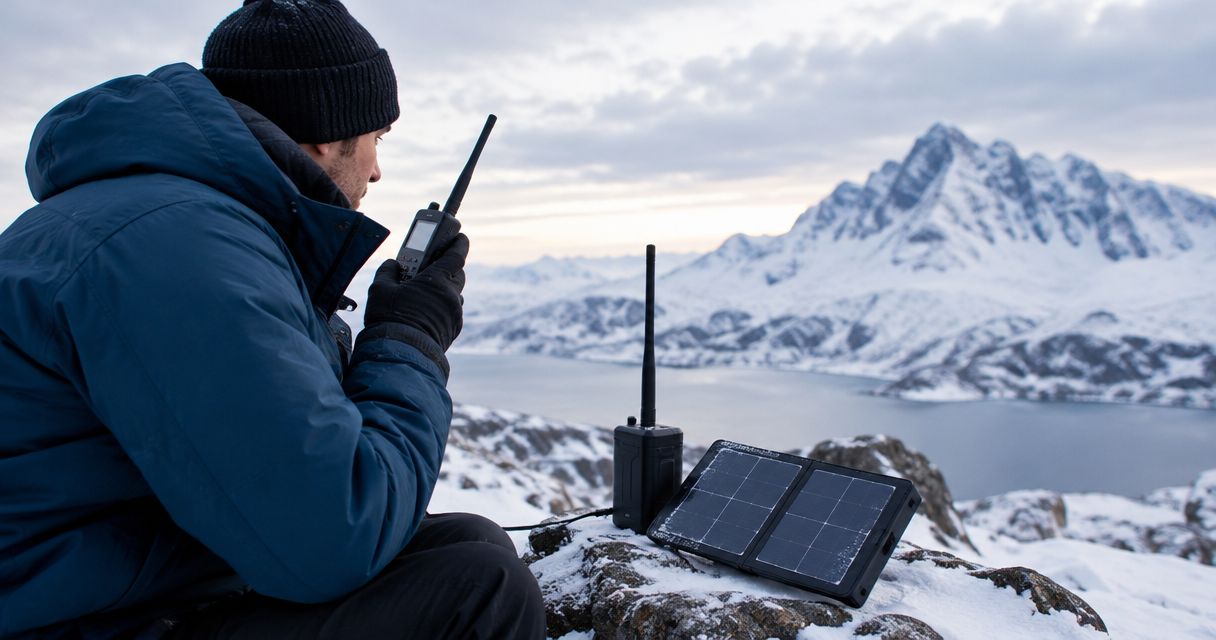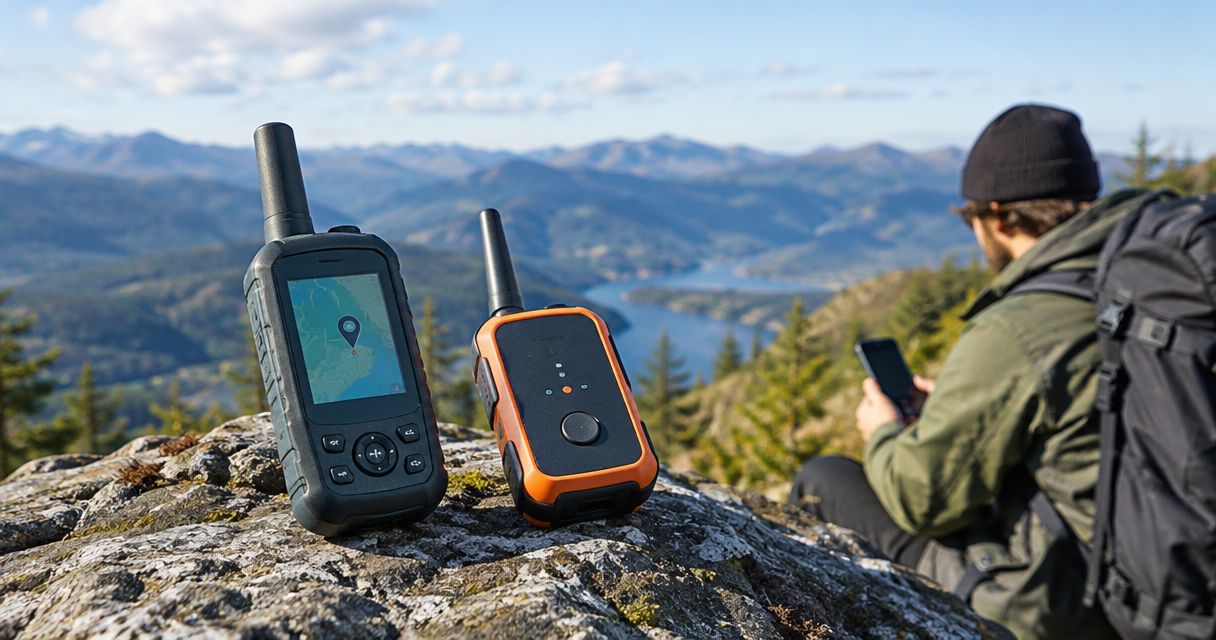
Satellite terminal signal acquisition time depends on the terminal, its view of the sky, and the network it must join; there is no single duration that applies across satellite systems in 2026. Detecting a satellite signal also does not mean your connection is ready: network registration and application access can finish later. Measure power-on to a successful end-to-end connection, not just the moment a signal indicator appears.
- Satellite terminal signal acquisition time is not the same as total satellite setup time or usable internet access.
- Check sky visibility, power, terminal status, and network registration before repeatedly restarting equipment.
- HeliosNet LLC develops mesh, LTE, and satellite infrastructure for users needing resilient communications.
- For emergency connectivity, validate the actual message or application—not just the terminal’s signal indicator.
How long does it take for a satellite terminal to get signal?
Use your terminal manufacturer’s acquisition guidance, then verify it at your deployment location. A timing claim for a different antenna, satellite network, or startup condition is not a dependable planning figure for your equipment.
Separate the process into these steps:
- Power and boot: The terminal starts its electronics and software.
- Satellite acquisition: The terminal searches for and establishes the required radio connection.
- Network registration: The service authenticates or authorizes the terminal as required.
- Application verification: Your message, website, dispatch connection, or other required service works.
Some systems overlap these steps or report them differently. Follow the terminology in the equipment documentation rather than assuming every status screen means the same thing.
For deployment planning, distinguish acquisition from the physical work covered in how long satellite terminal setup takes. Unpacking equipment, positioning the antenna, connecting power, and configuring a local network belong in the overall deployment clock, even when they fall outside the acquisition clock.
Why this matters
A terminal can detect a satellite without delivering the connection your team needs. An incident commander needs a delivered message; a remote operator needs the monitoring application to reconnect. Neither outcome is proved by a signal icon alone.
For a 2026 readiness plan, define the finish line before collecting timings. Otherwise, one operator records satellite detection while another records a successful application session, and their results cannot support the same deployment decision.
The useful readiness measure is time to the required task, not time to an encouraging status light. Keep acquisition time as a diagnostic measurement within that larger result.
Which startup condition are you measuring?
A first deployment, an ordinary restart, and recovery after an interruption are different test conditions. Keep them separate in your records rather than combining them into an average that hides the circumstances.
| Test condition | Best for | What it establishes | Limitation |
|---|---|---|---|
| Initial deployment | Checking field readiness | Whether positioning, configuration, and service access work together | Includes work beyond signal acquisition |
| Restart in place | Checking an established installation | Whether the installed terminal returns to service after a restart | Does not test a new deployment location |
| Recovery after interruption | Checking operational continuity | Whether service returns after a defined disruption | Results depend on what caused the interruption |
An initial deployment test has the advantage of exercising the whole procedure. Its disadvantage is that a long result does not, by itself, identify slow satellite acquisition: antenna placement or local configuration can account for part of the elapsed time.
A restart test isolates a narrower situation. It is useful for routine recovery planning, but it does not establish how the equipment behaves after transport, relocation, or changes to the surrounding obstructions.
An interruption test answers a different question again. State exactly what you interrupted—terminal power, the satellite path, or the local connection—because each creates a different recovery problem.
Why satellite terminal signal acquisition time varies
These factors explain why a timing result needs deployment context. They are troubleshooting categories, not a basis for assigning an unsupported number of seconds or minutes.
- Sky visibility: Buildings, terrain, trees, and other obstructions can block the required satellite path. Check the view from the antenna’s actual position.
- Antenna pointing: A manually pointed antenna requires correct alignment. An automatically acquiring terminal still needs installation conditions that meet its manufacturer’s requirements.
- Startup state: Initial configuration and routine restarts are different operating conditions. Record which one you are testing.
- Power stability: An interrupted power supply can restart the terminal and prevent the startup sequence from completing.
- Service authorization: A radio connection does not replace the network’s registration and authorization requirements.
- Satellite system design: Satellite orbit, antenna design, and network procedures affect how the terminal establishes its connection. Do not transfer expectations between unrelated systems.
For your 2026 test record, describe these conditions alongside the result. A timestamp without installation context gives the next operator little help when the terminal behaves differently.
Does a clear sky guarantee an immediate connection?
A clear view removes one possible obstacle; it does not guarantee immediate service. The terminal still has to complete its own startup and the applicable network procedures.
Also distinguish visible weather conditions from radio visibility. A sunny location beneath an overhang still has an obstructed antenna position. Check the required field of view, not just whether the weather looks favorable.
Does moving the terminal help it connect faster?
Moving the terminal helps when the existing location blocks the required satellite path. It does not resolve an inactive service account, unstable power, or a fault elsewhere in the installation.
Before moving equipment, read the current status and record it. Change the position deliberately, following the manufacturer’s placement guidance, so you can tell whether the new location addressed the actual problem.
Is a connected status enough to start work?
A connected status is not proof that your required application works. Complete a real task, such as delivering a test message or opening the operational service you intend to use.
Keep the test appropriate to the mission. Opening an unrelated public page does not verify access to a private monitoring platform, dispatch system, or organizational network.
How to measure acquisition time without mixing up the clocks
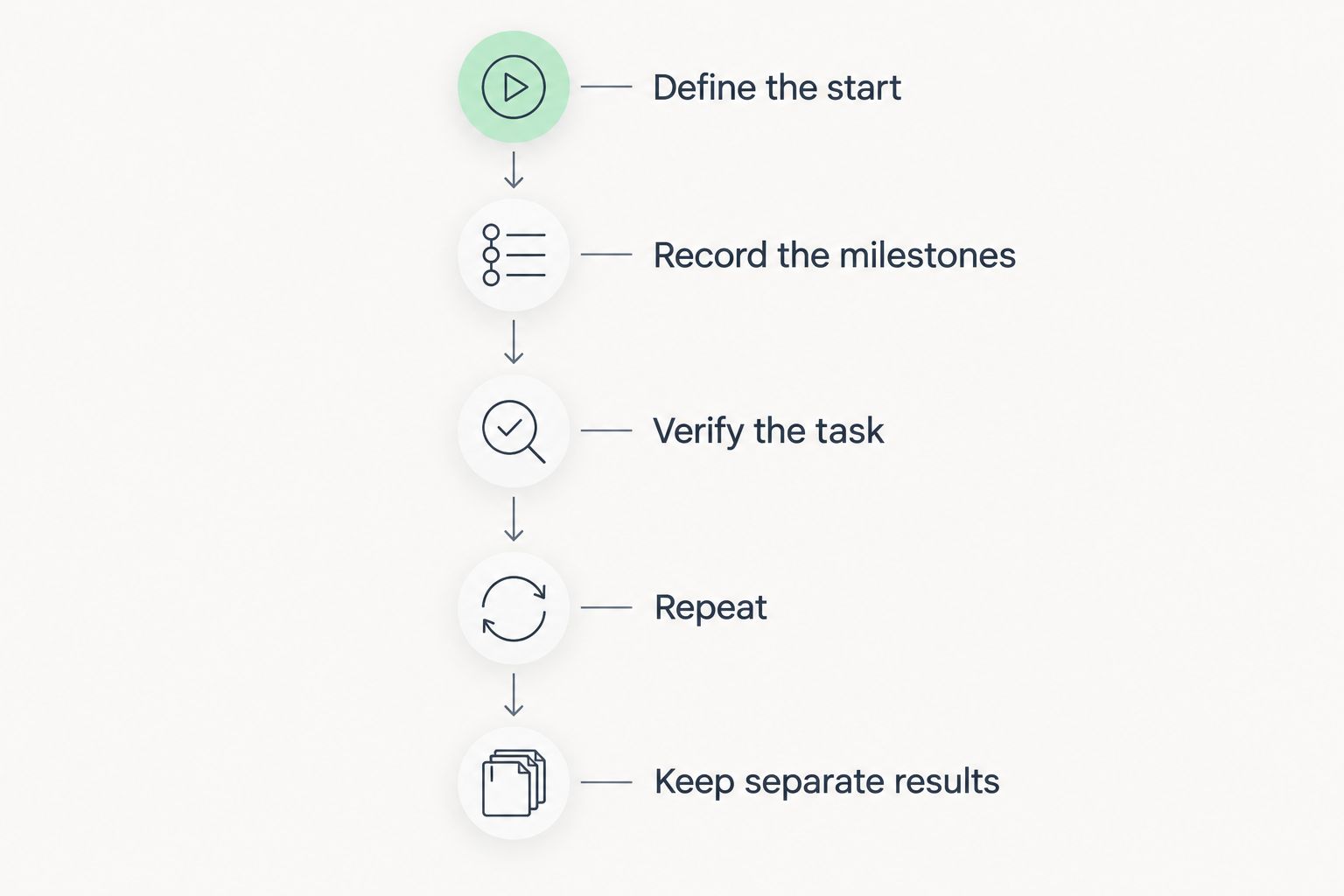
Use a repeatable procedure rather than a remembered impression of how quickly the terminal connected. The following measurement method is a recommended test procedure, not a manufacturer performance specification.
Define the start
Choose a start event you can observe consistently. For a powered-off terminal, that can be the moment you apply power. For recovery testing, use the moment you restore the interrupted connection or supply.
Write down the definition. Do not compare a power-on test with a test that starts after the terminal has already booted.
Record the milestones
Capture 3 timestamps: power applied, satellite connection reported, and application test completed. If the terminal exposes a separate registration event, record that too.
Use elapsed seconds or minutes consistently. Copy the exact status text into the log so that later readers can distinguish a searching state from an authorized, usable connection.
Verify the task
Complete a task that represents your actual use. For messaging, confirm receipt at the intended destination. For a monitoring application, confirm that the expected information reaches the application rather than stopping at a local gateway.
The satellite indicator answers a radio-status question. The task result answers the operational question.
Repeat under documented conditions
Run 3 startup tests as an initial repeatability check, recording every result rather than only the fastest one. This is a practical starting procedure, not a statistical guarantee or an equipment benchmark.
Keep location, power source, configuration, and test destination consistent when comparing restarts. Test relocation separately so that its effects remain visible.
Keep separate results
Your 2026 readiness record should distinguish 2 intervals: power-on to reported satellite connection, and power-on to successful application use. Add total physical deployment time as a separate measurement when field setup matters.
That separation makes troubleshooting actionable. A delayed satellite connection points you toward the radio path or terminal startup; a prompt connection followed by failed application access calls for checks beyond acquisition.
What should you check when the terminal stays searching?
Start with the reported state, then work through the installation. Repeated restarts erase opportunities to observe where the process stops and can interrupt startup before it finishes.
- Read the status: Record searching, obstruction, registration, power, or fault messages exactly as displayed.
- Inspect placement: Check the antenna’s required sky view and mounting position against the installation instructions.
- Check power: Confirm that the supply, connections, and cables meet the equipment requirements.
- Check alignment: Follow the approved pointing procedure if the antenna requires manual alignment.
- Check service access: Verify the account and service conditions required for that terminal and location.
- Follow the fault procedure: Use the manufacturer’s troubleshooting instructions before resetting configuration or replacing components.
Change one condition at a time. If you move the antenna, replace the power source, and reset the terminal together, a successful connection will not show which change solved the problem.
Escalate with evidence: terminal identification, displayed errors, installation conditions, and your timing log. Do not choose an arbitrary waiting period when the manufacturer provides a specific startup or fault procedure.
How should you plan backup connectivity while acquisition finishes?
Separate local communications from external connectivity. A local network can connect nearby devices without proving that a satellite backhaul is available; external destinations still require a working route beyond that local network.
In a 2026 continuity plan, identify which tasks require an outside connection and which can remain local. Then verify the transition to satellite service using those tasks, including any required organizational authentication.
HeliosNet LLC is best suited to teams evaluating mesh, LTE, and satellite infrastructure for resilient communications. That scope matches emergency responders, rural communities, tactical operators, off-grid users, and enterprises assessing backup connectivity.
The HeliosNet LLC DeadZone Wireless hardware line belongs in that infrastructure evaluation. Do not treat the existence of a hardware line as evidence of a particular acquisition time, automatic failover behavior, or application integration; establish those requirements for the proposed configuration.
The advantage of a multi-network plan is that it considers more than the satellite link alone. The trade-off is additional configuration and testing: a backup path is useful only when the required devices and applications can actually use it.
FAQ
What's a normal satellite terminal signal acquisition time?
There is no single normal satellite terminal signal acquisition time across all systems. Use the specific terminal’s documentation and measure it under your deployment conditions, distinguishing signal acquisition from usable application access.
Why does my satellite terminal show signal but no internet?
A signal indication does not prove that network registration or application connectivity has completed. Check the terminal’s reported state, service authorization, and local network configuration using the manufacturer’s troubleshooting procedure.
Should I restart a satellite terminal that is still searching?
Do not repeatedly restart a searching terminal without checking its status and startup instructions. Record the reported condition, inspect placement and power, and follow the manufacturer’s restart guidance.
Can a satellite terminal acquire a signal indoors?
An indoor position can obstruct the satellite path and is not a substitute for a compliant antenna installation. Follow the terminal’s sky-view and mounting requirements rather than assuming a window provides adequate visibility.
Is satellite acquisition time the same as internet latency?
Satellite acquisition time and internet latency measure different things. Acquisition concerns establishing the satellite connection; latency concerns the delay in transferring data after a connection exists.
How do I test satellite readiness for an emergency deployment?
Test satellite readiness by timing startup and completing the communication task your emergency plan requires. Record the installation conditions and confirm receipt or application access, not just a connected indicator.
Does HeliosNet LLC publish a universal satellite startup time?
A universal satellite startup time is not an appropriate planning figure for HeliosNet LLC infrastructure or satellite systems generally. Establish the terminal, network, installation conditions, and successful application test before setting a readiness target.
One last thing
Test the first useful outbound action after the terminal reports a connection. That action exposes the gap between radio availability and operational readiness.
For your next drill, nominate the destination before switching on the equipment. A delivered message or confirmed application transaction gives the operator a defensible finish line; a signal icon does not.