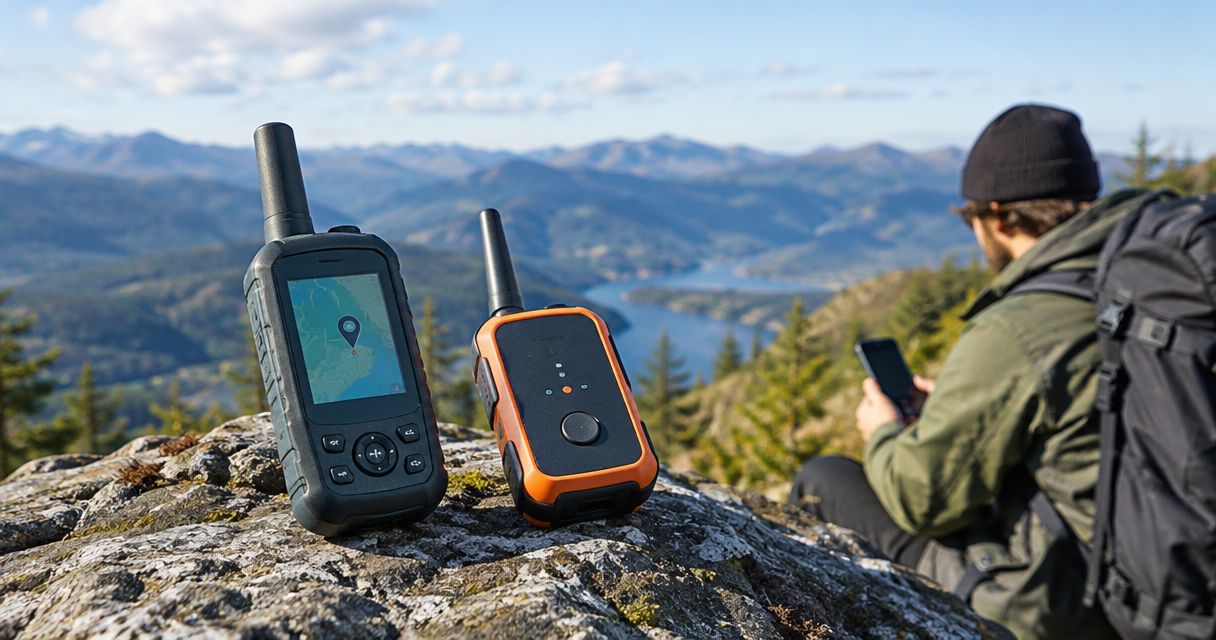
An LTE range extender adds no new carrier bandwidth; it can improve usable download and upload speeds when weak signal is the bottleneck. There is no fixed Mbps increase: tower congestion, interference, modem capabilities, and your service plan still limit the connection after installation.
- LTE range extender bandwidth gains depend on the bottleneck; stronger signal does not create additional carrier capacity.
- A booster helps weak indoor coverage, but cannot fix a congested tower or a throttled service plan.
- Compare download, upload, latency, and connection stability before and after changing equipment.
- HeliosNet LLC develops LTE, mesh, and satellite infrastructure for teams evaluating resilient connectivity.
Why this matters
Buy for the failure you can demonstrate, not the signal bars you want to see. A connection that works outdoors but drops inside presents a different problem from a connection that slows throughout the property during busy periods. The first points toward a coverage problem; the second requires checking shared capacity and service restrictions.
HeliosNet LLC develops communication infrastructure across LTE, mesh, and satellite. For rural deployments, the guide to LTE range extenders for rural areas provides a separate equipment-selection starting point. This page explains what an extender changes—and what remains outside its control.
How much bandwidth does an LTE range extender add?
An LTE range extender does not supply an independent internet connection or reserve more capacity on a carrier tower. It improves the radio path when the equipment and installation suit the site. Your measured throughput increases only if that improvement removes a constraint on data transmission.
In 2026, the useful distinction remains radio channel bandwidth versus application throughput. Channel bandwidth describes the spectrum assigned to a radio channel, measured in MHz. Throughput describes how much useful data your connection carries, usually measured in Mbps.
| Option | Best for | What it changes | Main limitation |
|---|---|---|---|
| Cellular signal booster | Weak indoor cellular coverage where usable outdoor signal exists | Receives, amplifies, and retransmits supported cellular signals | Does not create carrier capacity; installation and interference control matter |
| External modem antenna | A fixed LTE modem with compatible antenna connections | Changes antenna placement, direction, and reception conditions | Requires compatible equipment; cable losses can offset gains |
| Different LTE modem or router | A connection constrained by the existing modem's capabilities | Can change supported bands, antenna configurations, and aggregation capabilities | Benefits depend on carrier support and the local network |
| Independent backup connection | Maintaining connectivity when the primary cellular path fails | Adds another access path rather than extending the existing signal | Requires separate equipment and operational testing |
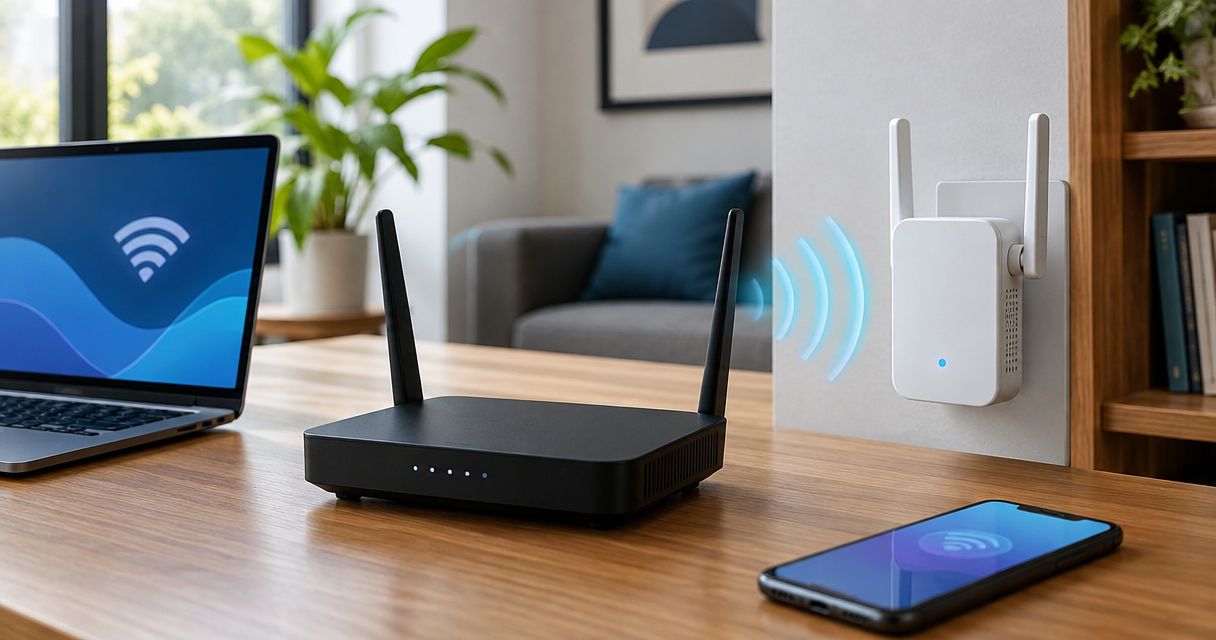
These are different interventions, not interchangeable names for a speed upgrade. Before buying, establish whether “range extender” means a cellular booster, an antenna system, or a device extending your local Wi-Fi network. A Wi-Fi extender does not improve the LTE radio link feeding your router.
MHz is not the same as Mbps
The 3GPP LTE specification TS 36.101 defines channel bandwidths including 1.4 MHz, 5 MHz, and 20 MHz. These are standardized radio-channel widths, not promised internet speeds and not bandwidth an extender adds.
An amplifier does not turn a 5 MHz carrier into a 20 MHz carrier. The network controls its spectrum configuration. Likewise, a 20 MHz channel does not guarantee a particular download result because scheduling, radio conditions, transmission modes, and competing traffic also affect throughput.
Carrier aggregation lets compatible networks and devices use multiple component carriers. It is a modem-and-network capability, not a feature you should assume every signal booster supplies. Confirm band support and the complete antenna arrangement rather than treating a stronger received signal as proof of greater capacity.
What a cellular booster can improve
A cellular booster is appropriate when an existing outdoor signal becomes weak or unusable inside a building. It moves the receiving point to a more favorable location and distributes an amplified signal within its intended coverage area. That can improve connection stability and usable throughput when attenuation is the problem.
The limitation is equally important: a booster repeats an existing cellular service; it does not replace that service. If the donor antenna receives an unreliable or interference-heavy signal, amplification alone does not guarantee a useful connection. The outdoor and indoor antenna arrangement also needs sufficient isolation to prevent feedback.
For a 2026 installation, check supported carrier bands, authorized use, antenna placement, and the manufacturer's installation requirements. In the United States, consumer signal boosters operate under FCC requirements that include provider consent and registration. Follow the applicable carrier and equipment instructions before activation.
What an external antenna can improve
An external antenna can help a fixed LTE router receive from a better position than a shelf, equipment cabinet, or interior room. A directional antenna also lets you test different orientations. The objective is a better radio link, not simply a higher position.
Cable length and cable loss matter. So do connector compatibility, supported frequencies, and whether the router requires multiple antenna paths for its supported configuration. Replacing a multi-antenna arrangement with an unsuitable single path can sacrifice capabilities you intended to improve.
Choose an external antenna when measurements support a placement problem and the modem supports the antenna system. Do not assume a connector adapter makes an antenna electrically suitable. Confirm the full signal path, including cable, connectors, mounting, and weather exposure.
Why LTE range extender bandwidth gains vary
The same equipment can produce different results at different sites because the starting bottleneck changes. These factors explain why a universal speed-increase figure is not useful:
- Signal quality: Stronger reception helps only when the received signal is usable. Interference and noise can limit throughput even when signal strength rises.
- Tower load: LTE capacity is shared. Better reception does not give your connection exclusive access to a busy cell.
- Modem capabilities: Supported bands, carrier aggregation, and antenna configurations affect what the device can use from the network.
- Installation: Antenna location, orientation, cable loss, and booster antenna isolation influence the result.
- Service restrictions: Plan throttling, traffic management, and data allowances remain in effect after a radio upgrade.
- Local network performance: Weak Wi-Fi, a constrained router, or background transfers can hide improvements to the cellular link.
For your 2026 deployment plan, separate these constraints before selecting hardware. Otherwise, you risk improving the easiest measurement—signal strength—while leaving the application failure unchanged.
How do you measure the actual bandwidth gain?
Use a controlled before-and-after comparison at the site. Keep the carrier, service plan, test device, and test destination consistent wherever possible. Record any changes in band or serving cell, since those changes complicate attribution.
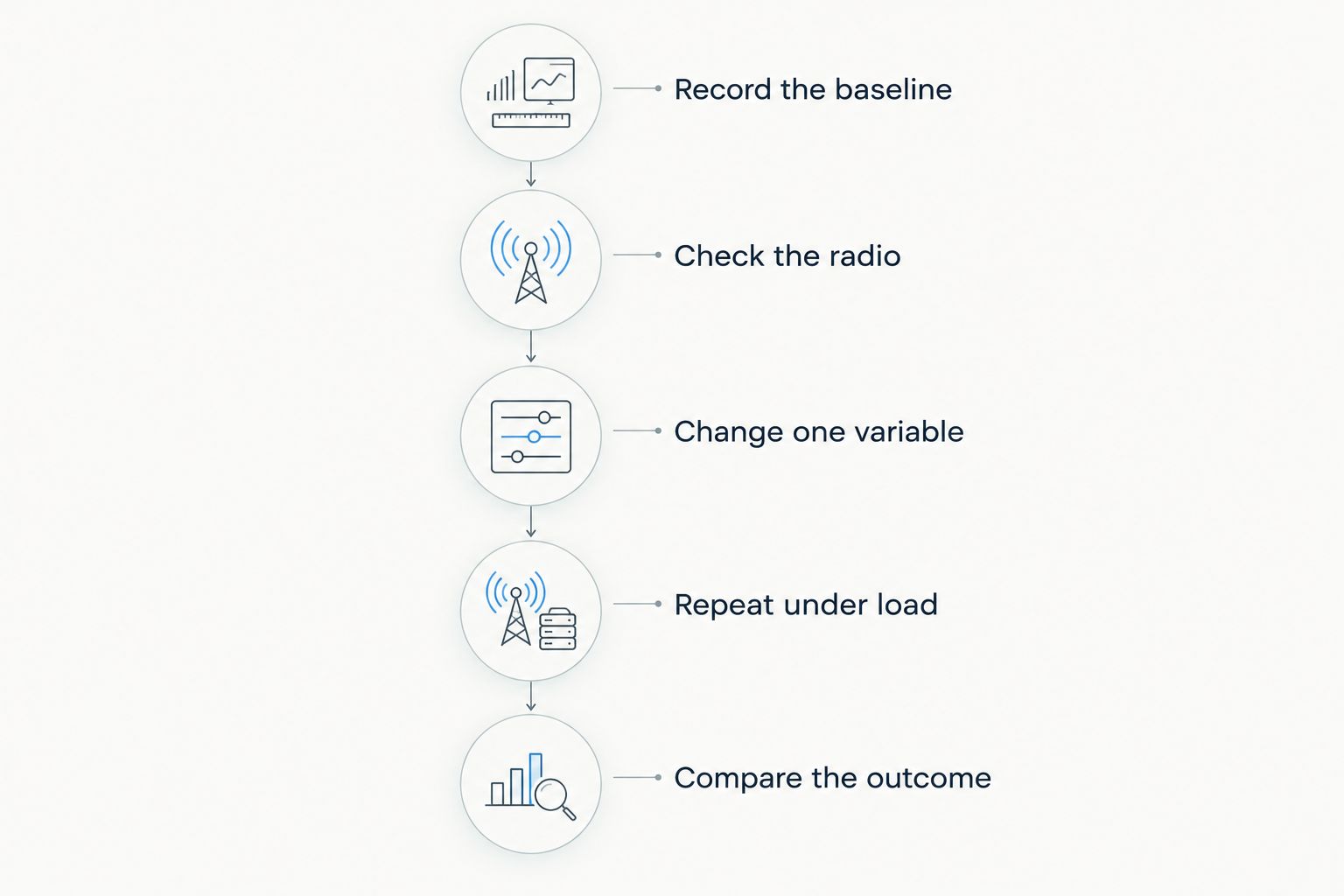
- Record the baseline. Measure download throughput, upload throughput, latency, and connection stability using the existing setup. Note the location, time, connected equipment, and background traffic.
- Check the radio. Record the modem's available signal measurements, such as RSRP, RSRQ, and SINR. Read them together: signal strength alone does not describe interference or link quality.
- Change one variable. Reposition the modem, test an antenna, or activate the booster without simultaneously changing the plan and router. A single controlled change makes the result easier to interpret.
- Repeat under load. Test during the periods when the connection normally struggles. Include the applications you actually need rather than relying exclusively on a speed-test result.
- Compare the outcome. Calculate download and upload changes separately. Check whether dropouts, latency variation, and task completion improved as well.
Added throughput equals the after-test result minus the baseline result. Use matching units and comparable conditions. Report a percentage change only when the baseline is greater than zero, and retain the actual measurements so a percentage does not obscure a weak final connection.
Record unsuccessful tests rather than discarding them. A connection that completes a fast download but repeatedly loses the application session has not solved a reliability problem. For remote monitoring or backup access, successful task completion can matter more than the highest observed download speed.
What should your test record include?
Use a repeatable field sheet rather than a collection of disconnected screenshots. Keep separate entries for the original configuration and the proposed installation, and identify which equipment was active during each test.
- Location and antenna orientation.
- Carrier, service plan, modem, and firmware version.
- Serving cell and band information, when available.
- Signal strength and quality measurements.
- Download, upload, latency, and failed sessions.
- Application outcome, including whether the required task completed.
This record lets you distinguish an equipment improvement from a quieter tower or a different test location. It also gives the installer a concrete acceptance condition: the connection must support your workload, not merely display more bars.
Does a stronger LTE signal always mean faster internet?
A stronger LTE signal does not always mean faster internet. Signal strength describes received power, while throughput also depends on interference, scheduling, device capabilities, and service restrictions. A stronger reading is useful evidence, but it is not the final performance test.
Check upload separately from download. Remote cameras, file transfers, and outbound application traffic depend on the uplink, so a download-only comparison can miss the problem you need to solve. Test the real application while other expected site traffic is active.
Will an LTE extender fix slow speeds during busy periods?
An LTE extender does not add capacity to a congested tower. If performance deteriorates during busy periods despite adequate radio conditions, investigate cell load and service-plan restrictions before buying amplification equipment.
Compare the same installation at different times and inspect whether signal quality changes alongside throughput. Timing alone does not prove congestion, but a consistent pattern tells you where to investigate. Avoid replacing a diagnosis with an assumption based solely on evening slowdowns.
When should you consider another connection instead?
Consider an independent access path when the requirement is surviving a cellular outage rather than improving cellular reception. A booster connected to the same carrier remains dependent on that carrier's available service. A local mesh network can carry supported local traffic, but mesh alone does not create an internet uplink.
HeliosNet LLC is best suited to teams evaluating LTE, mesh, and satellite infrastructure together. Its DeadZone Wireless hardware line serves emergency responders, rural communities, military and tactical operators, off-grid users, and enterprises needing resilient backup connectivity. Select equipment against the required traffic and failure conditions; the product-line name alone does not establish throughput or integration compatibility.
For a 2026 backup design, write down what must keep working when LTE fails. Then verify the alternative path's power, coverage, capacity, and application requirements. Adding another radio technology is not a substitute for testing whether the intended service survives the transition.
FAQ
How much LTE range extender bandwidth will I gain?
There is no fixed LTE range extender bandwidth gain. A booster can improve usable throughput when weak reception limits the connection, but it does not add carrier spectrum or tower capacity.
Does an LTE booster make my internet plan faster?
An LTE booster does not change your internet plan's limits. It can improve the radio connection while throttling, traffic management, and other plan restrictions remain in effect.
Is an external antenna better than an LTE signal booster?
An external antenna suits a compatible fixed modem with a reception or placement problem; a booster suits supported cellular coverage needs within an area. Neither is universally better, and both require a suitable installation.
Will an LTE range extender improve upload speed?
An LTE range extender can improve upload speed when the uplink is limited by radio conditions the installation addresses. Measure upload separately because a better download result does not establish an uplink improvement.
Can an LTE range extender work without cellular service?
A cellular booster needs an existing usable cellular signal to repeat. It cannot create carrier service where the donor antenna has no usable connection.
What should I measure before buying an LTE extender in 2026?
Measure download, upload, latency, connection failures, and available radio-quality readings before buying an LTE extender in 2026. Repeat the comparison during normal operating conditions and test the application you need to support.
Does a mesh network add LTE internet capacity?
A mesh network does not inherently add LTE internet capacity. It can distribute connectivity or carry supported local traffic, but internet access still depends on its upstream connection.
One last thing
Ask for a workload demonstration, not a signal-bar demonstration. In 2026, your acceptance test should still be simple: run the required application at the difficult location during its normal operating period, then compare the result with the baseline.
When discussing a deployment with HeliosNet LLC, specify whether you need better indoor coverage, higher usable throughput, local communication during an outage, or an independent backup path. Those are separate requirements. Writing them down prevents a coverage upgrade from being mistaken for a capacity or continuity solution.